
There's a lot packed into this new version of Latest News Enhanced Pro, and some improvements aren't immediately obvious. To help you get the most out of it, here's a clear, complete list of what's new.
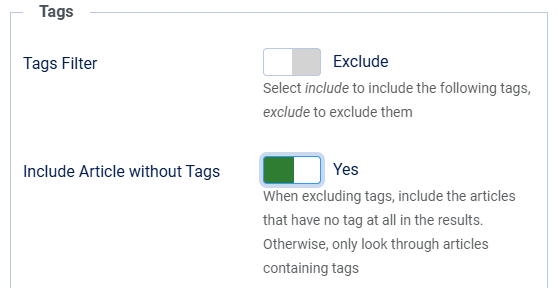
Feature 1: When excluding tags, include the articles with no tags in the output.
During item selection, if you need to exclude articles with a specific tag, you can now specify if articles with no tags should be showing in the output or not. Previously, excluding tags would only allow you to exclude articles among the articles that had tags.
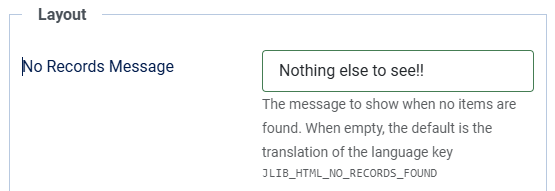
Feature 2: Specify the message to show when no records are available in your view.
Do not get restricted with the default message when no articles are available. Specify your own. Use language keys in multi-lingual sites.
(This feature was already available for module instances).
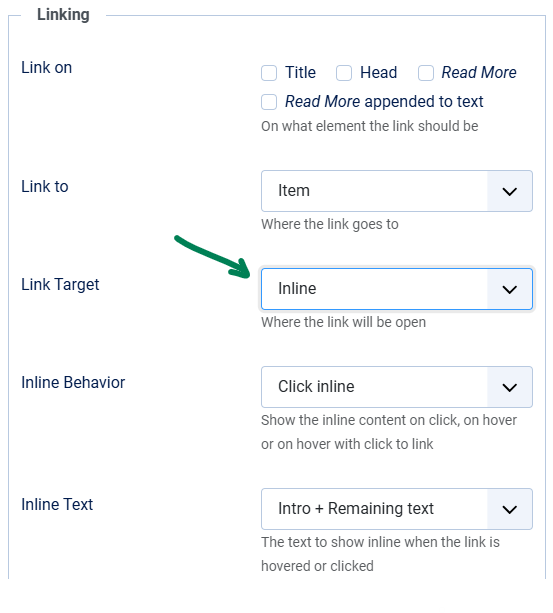
Feature 3: More options for inline items layout.
Read the Setup inline items article for more details.
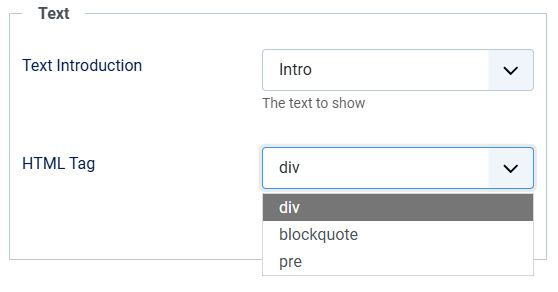
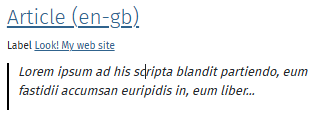
Feature 4: Format text with HTML tags.
CSS may not always be the solution when presenting text inside articles. You may want a more semantic approach. Use blockquotes or pre tags to spice up your designs.
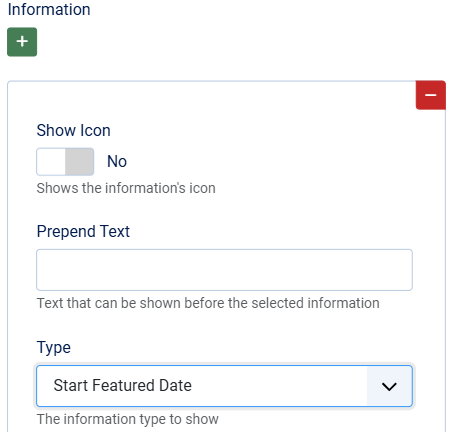
Feature 5: Show featured dates.
When articles are featured, start and finish featured dates can be useful information to users, especially if you are using this information to showcase events with event dates.
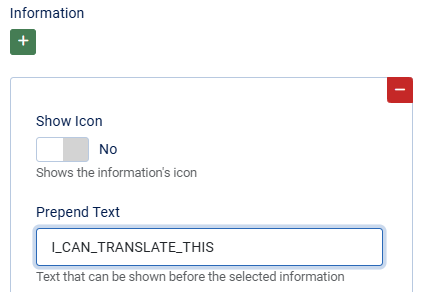
Feature 6: Use language keys to translate text showing before information values.
When adding a label or text before the information presented, it is easier to create a language key that can be translated for multi-lingual sites.
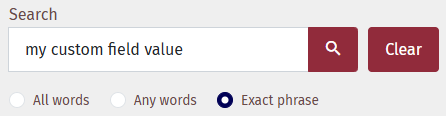
Feature 7: Search custom field data in blog or list views.
You are showing custom field data in the articles. Now you can search for specific values through custom fields that are of type text, textarea, editor, radio, checkbox or list.
As always, thank you for your continued support and feedback. It’s what helps this extension keep growing.